Case study · Marketing · 2026
Feedtrellis.
A social media post planner for a small brand team: calendar, composer, approvals and a posting queue.
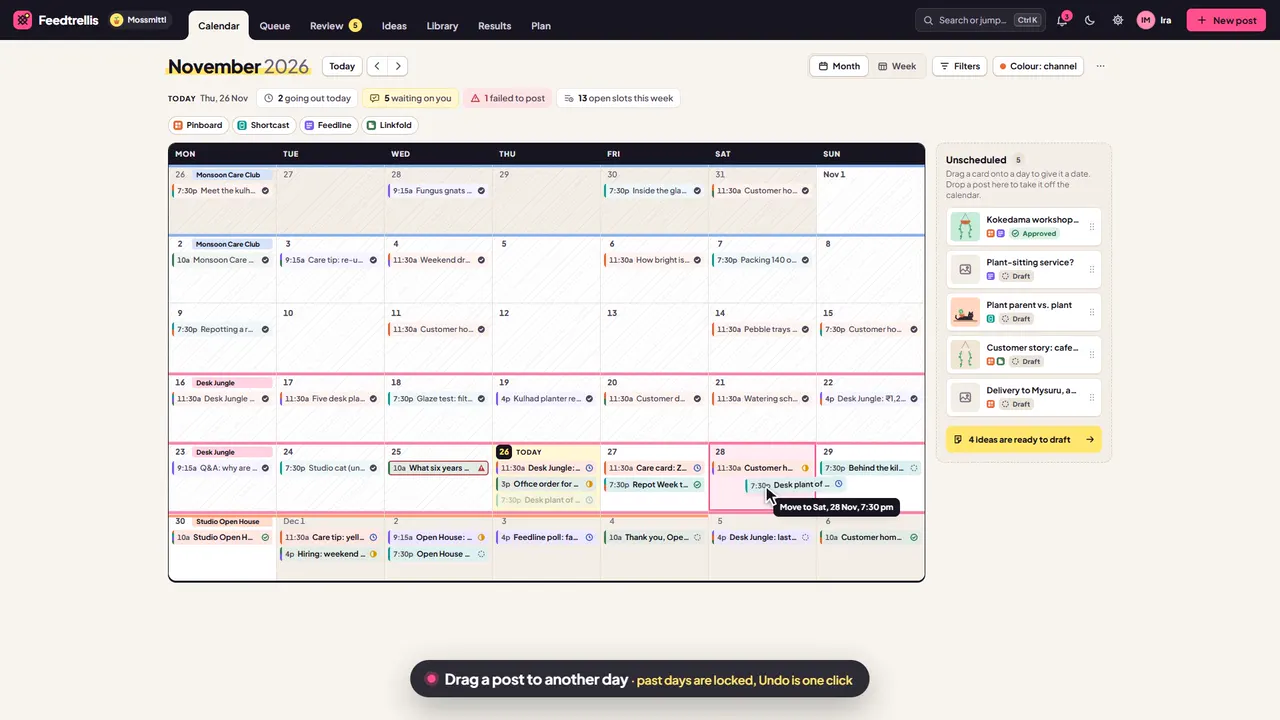
Overview
A wall-planner calendar, a composer with live previews and an approval thread for one small brand team, in a single web app. Plus a posting queue, ideas board and asset library.
Who is it for?
Problem → solution
Everyday pains in a small brand team, and what the app does about each one.
- Problem 01
The month's plan lives in a spreadsheet, and dates keep moving.
What the app doesA wall-planner calendar. Drag a post to a new day, with Undo.
- Problem 02
A caption that fits one channel is too long for another.
What the app doesA live preview and a counter for each channel. Checks block sending.
- Problem 03
Approvals get lost in long group chats.
What the app doesComments, changes and approvals sit on the post itself.
Key features
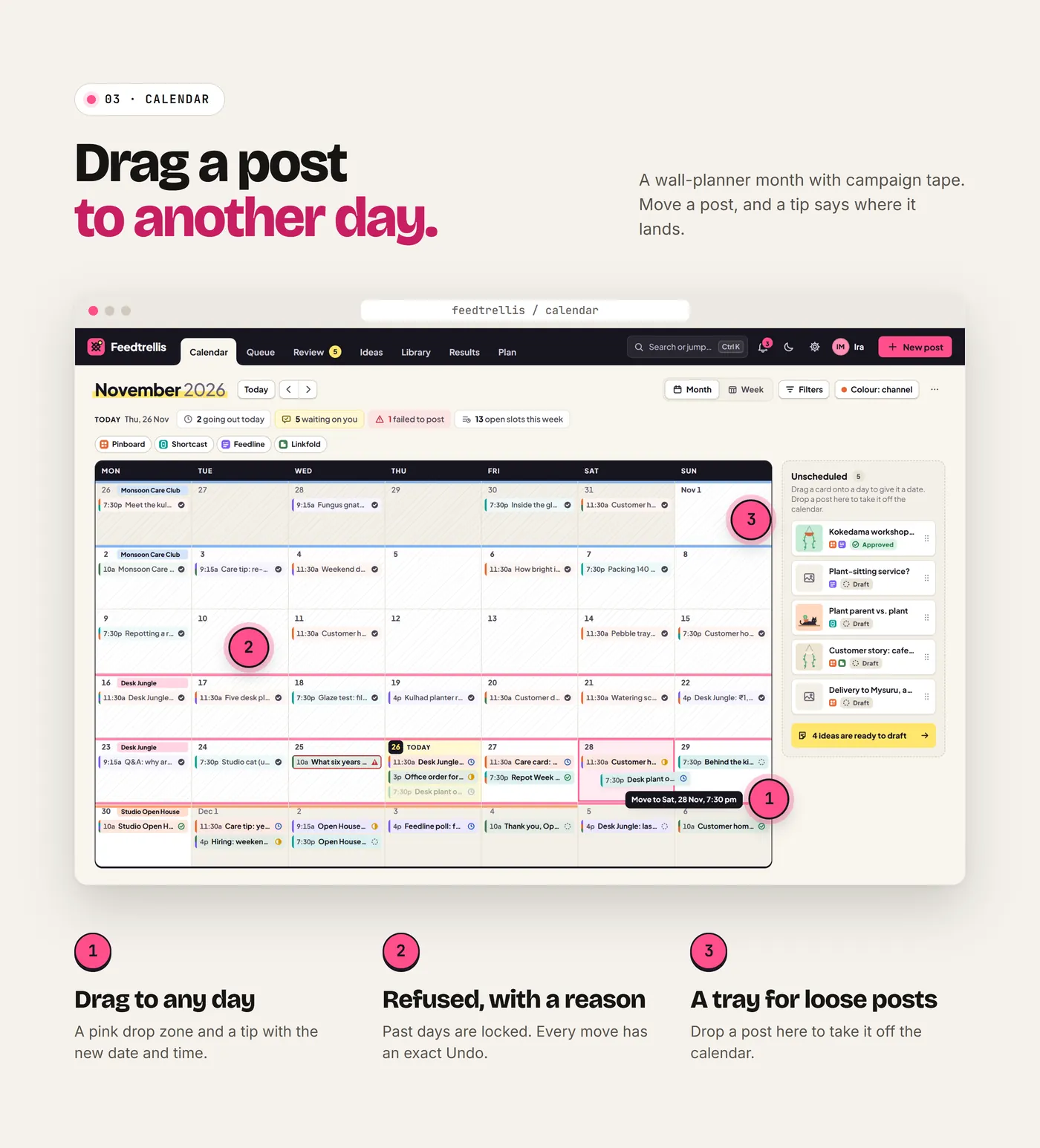
Drag a post to another day.
A wall-planner month with campaign tape. Move a post, and a tip says where it lands.
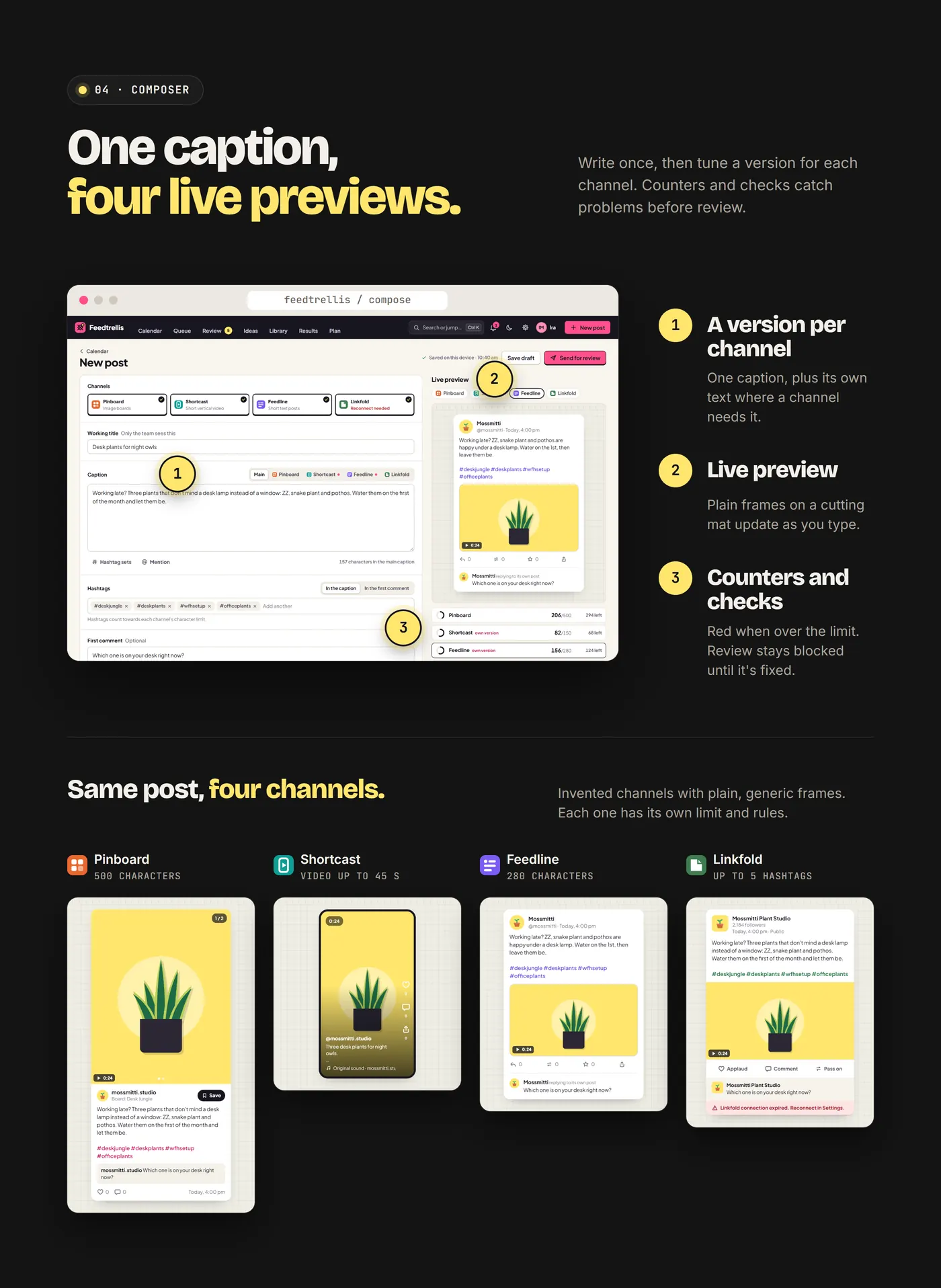
One caption, four live previews.
Write once, then tune a version for each channel. Counters and checks catch problems before review.
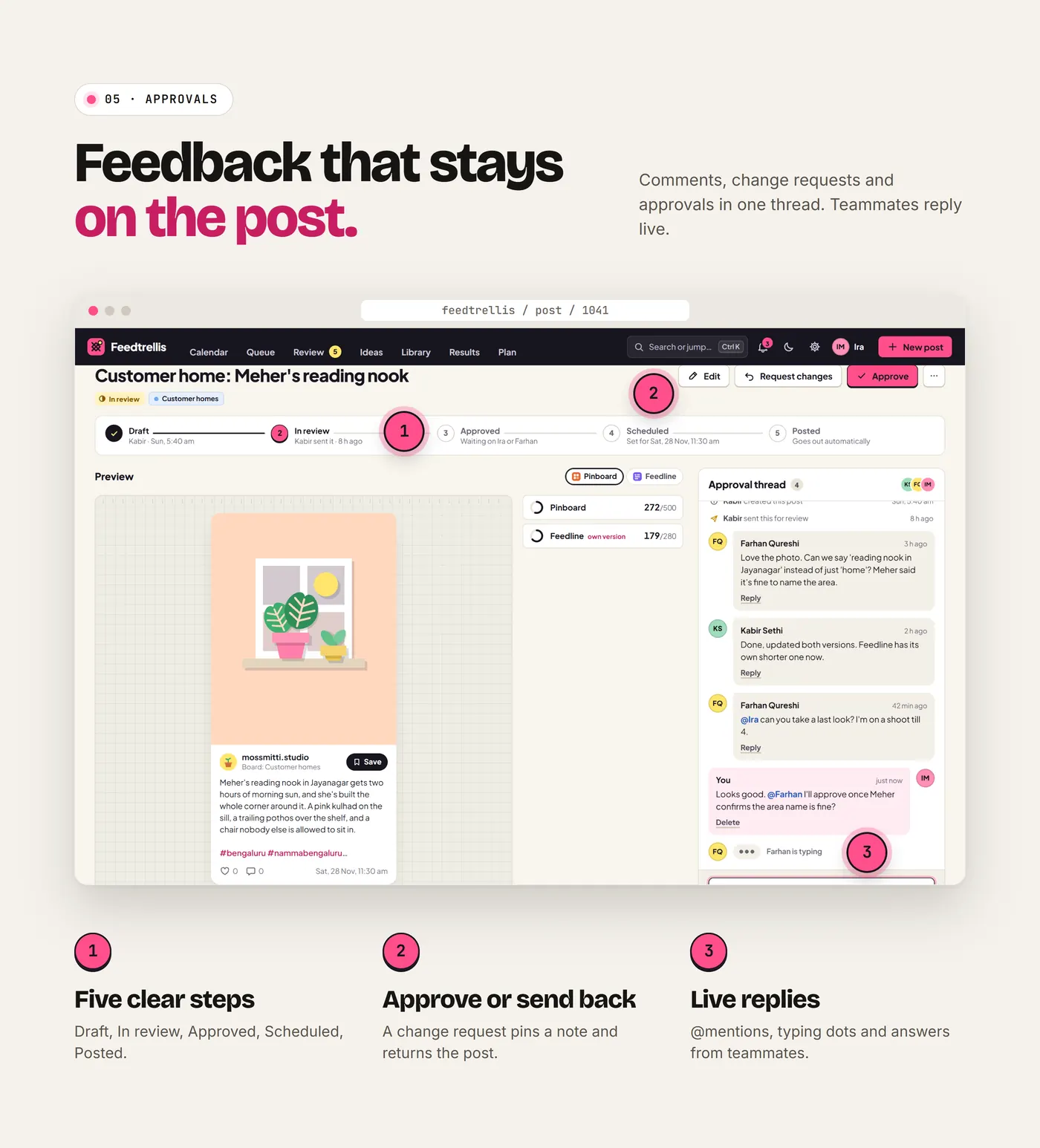
Feedback that stays on the post.
Comments, change requests and approvals in one thread. Teammates reply live.
On a phone
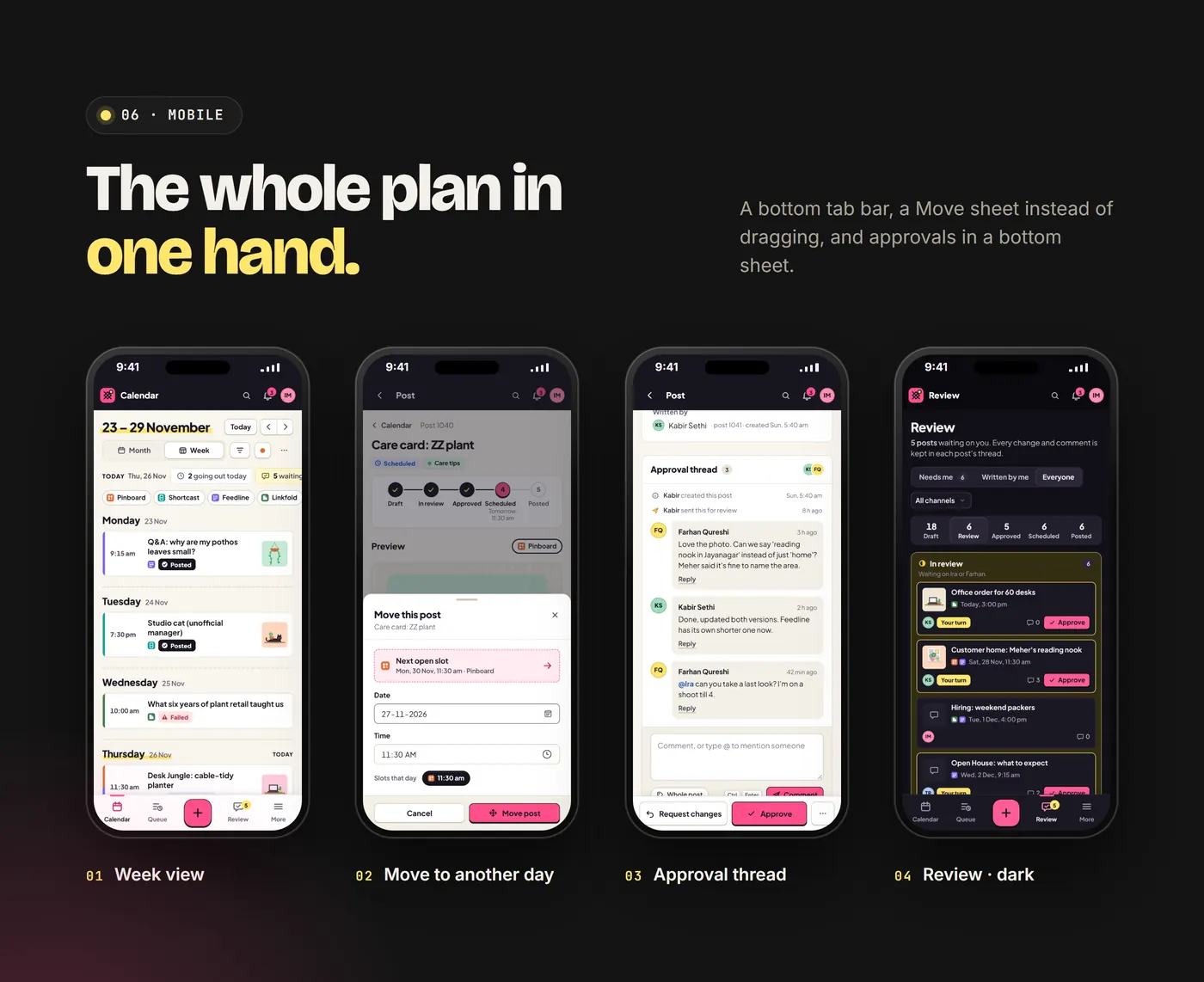
The whole plan in one hand. A bottom tab bar, a Move sheet instead of dragging, and approvals in a bottom sheet.
Design system
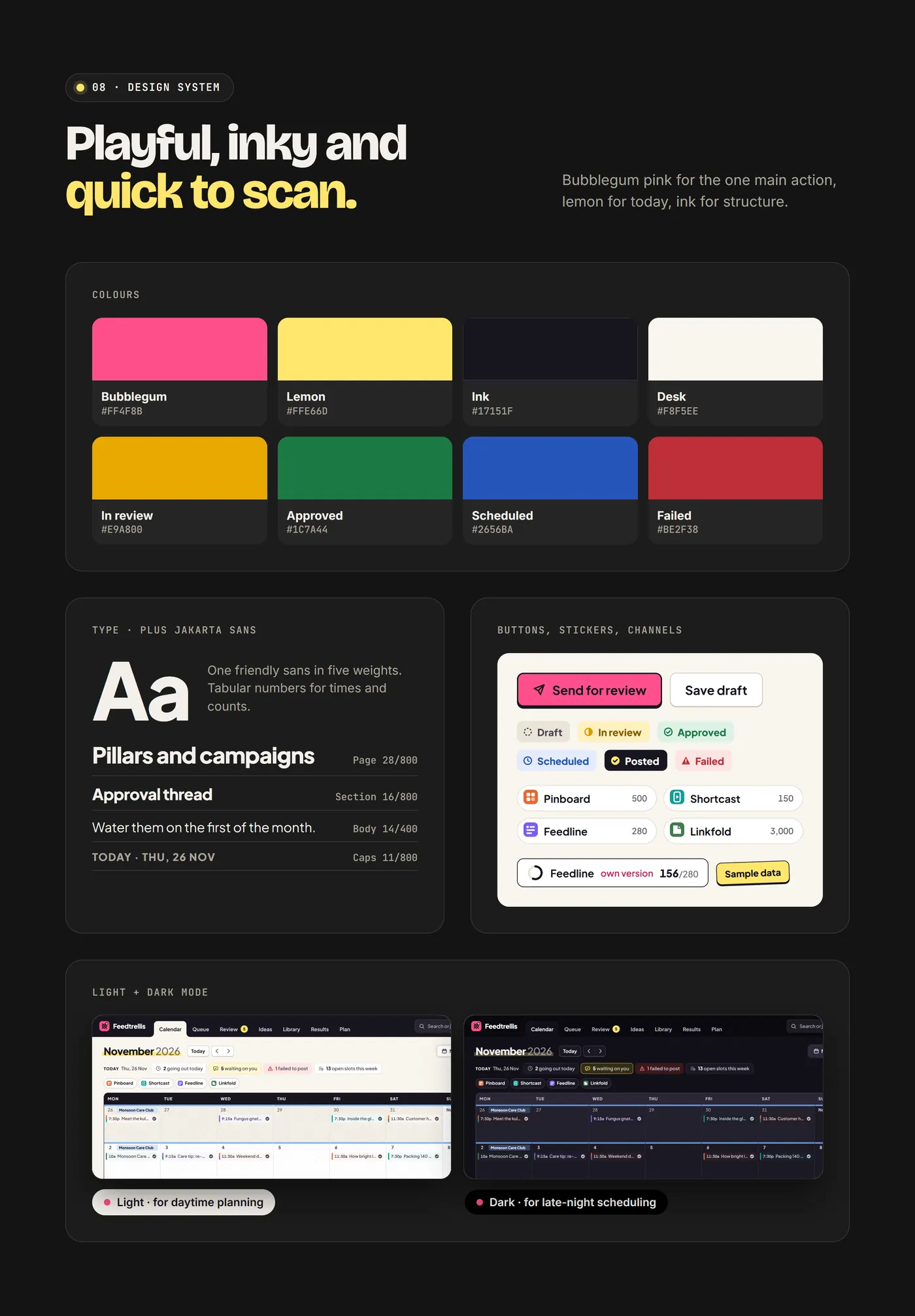
Playful, inky and quick to scan. Bubblegum pink for the one main action, lemon for today, ink for structure.
#FF4F8B#FFE66D#17151F#F8F5EE#E9A800#1C7A44#2656BA#BE2F38Type: Plus Jakarta Sans
How it was built
- Plain HTML, CSS and JavaScript: no framework, fast on a phone.
- Built with AI-assisted development: I set the brief, flows and design rules, then directed and reviewed the code.
- Light and dark mode, and layouts for desktop, tablet and phone.
- Sample data that moves with today's date and is saved in the visitor's browser.
- An automated end-to-end test (Playwright) clicks every button, and runs again on fixed dates such as 31 December and 1 April.
- Concept project: the brand, people and data are fictional.
Keep lookingMore case studies
Tressnook
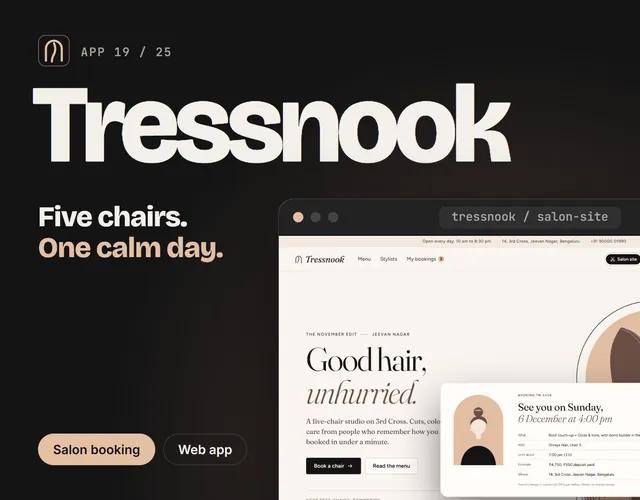
A booking site and front desk for a five-chair neighbourhood hair salon.
Waybillow
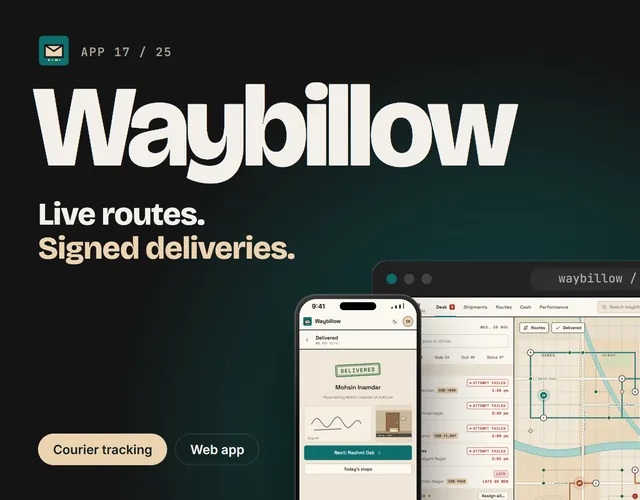
A parcel delivery tracking web app for a city courier: dispatch desk, driver app and a public tracking page.
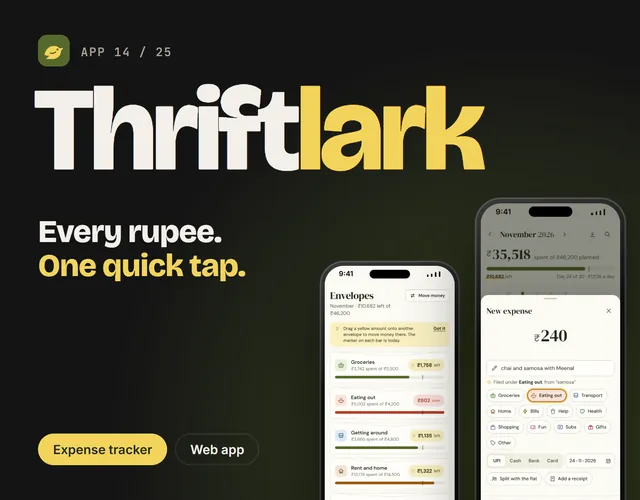
Thriftlark
A phone-first expense tracker for a shared flat: quick add, envelopes, bills and splits.