Case study · Finance · 2026
Copperslip.
A GST invoicing web app for a small trader or freelancer in India.
Overview
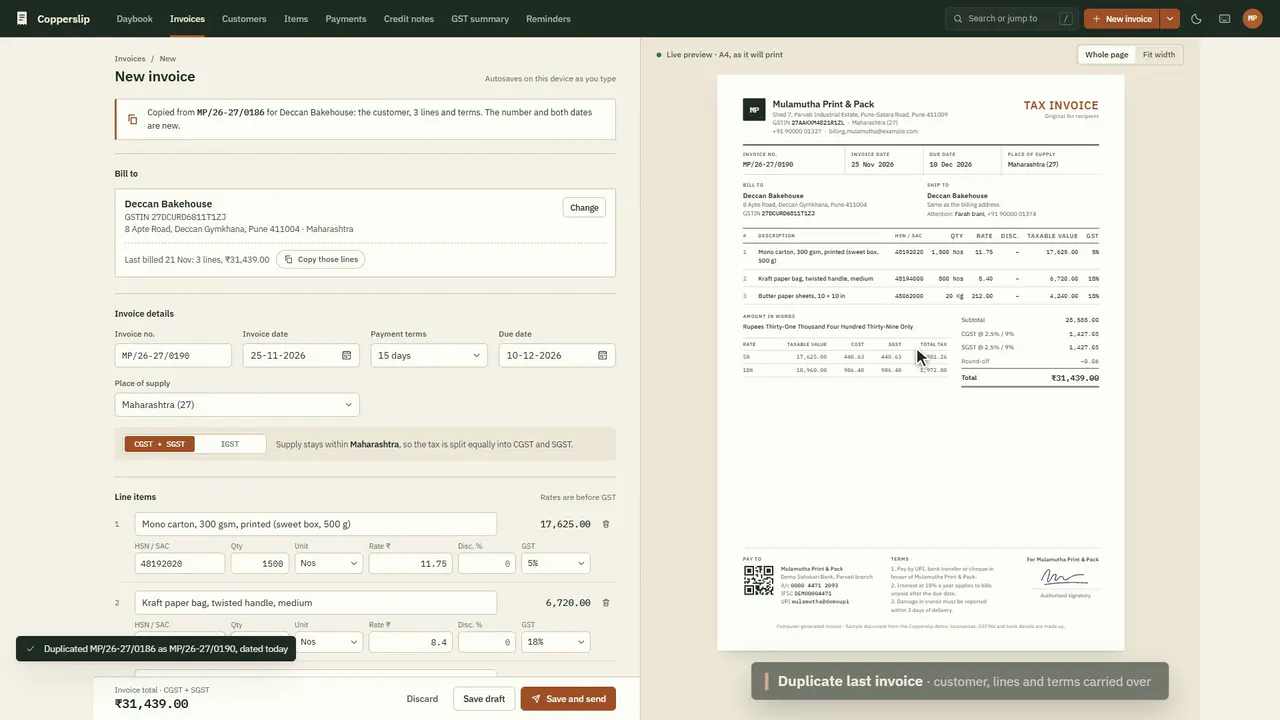
An invoice editor with a live A4 page, a sales register and a monthly GST summary for one small business. Plus customers with GSTIN, a price list, payments, credit notes and reminders.
Who is it for?
Problem → solution
Everyday pains of a small business that bills under GST, and what the app does about each one.
- Problem 01
Invoices are typed in a word file, and the GST is worked out by hand.
What the app doesPick the buyer and the items. CGST + SGST or IGST is worked out for you.
- Problem 02
Nobody is sure who has paid and who is late.
What the app doesThe daybook lists who to chase, how late and how much.
- Problem 03
Month-end GST means digging through every bill.
What the app doesA GST summary for the month, by rate, state and HSN.
Key features
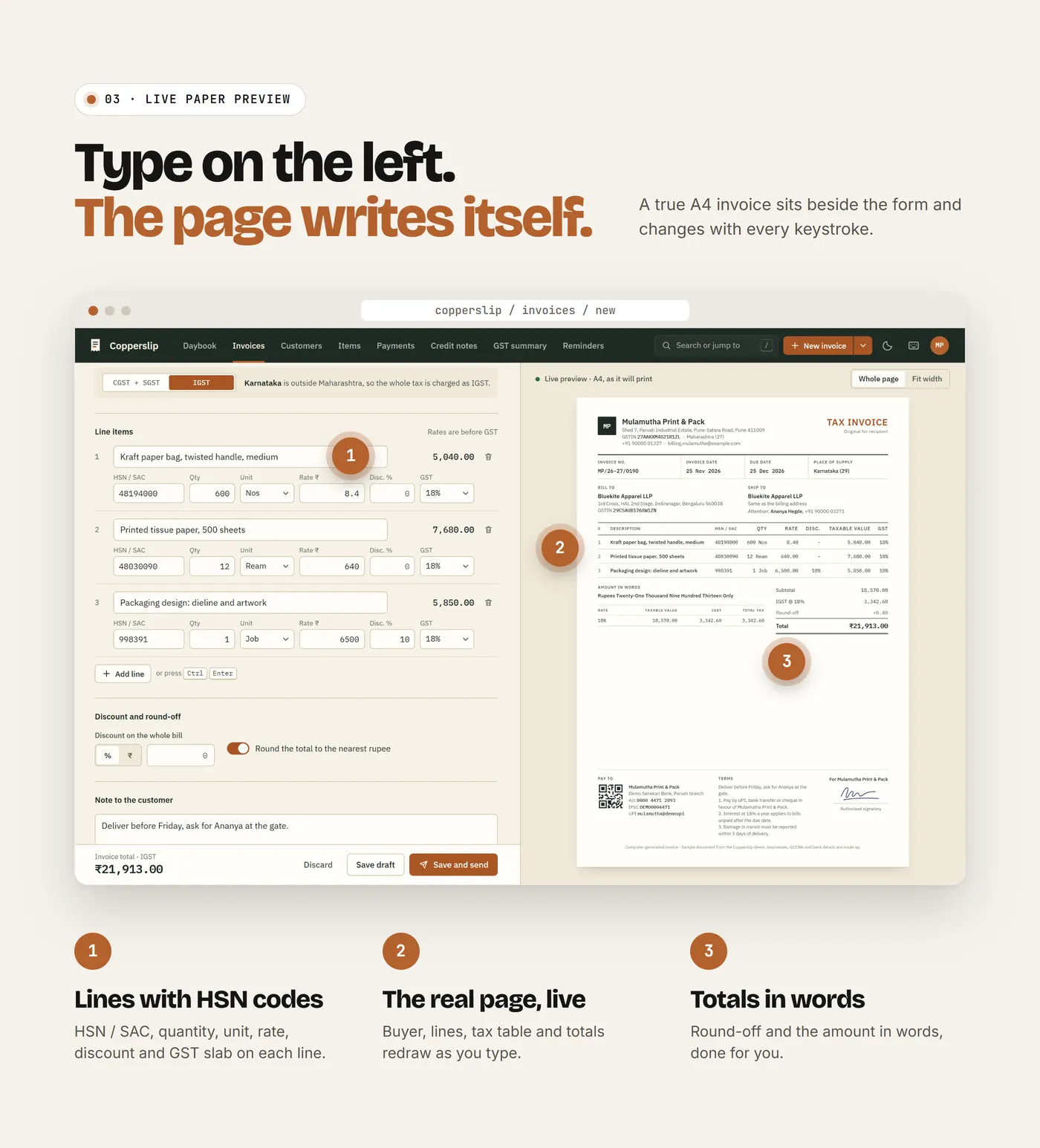
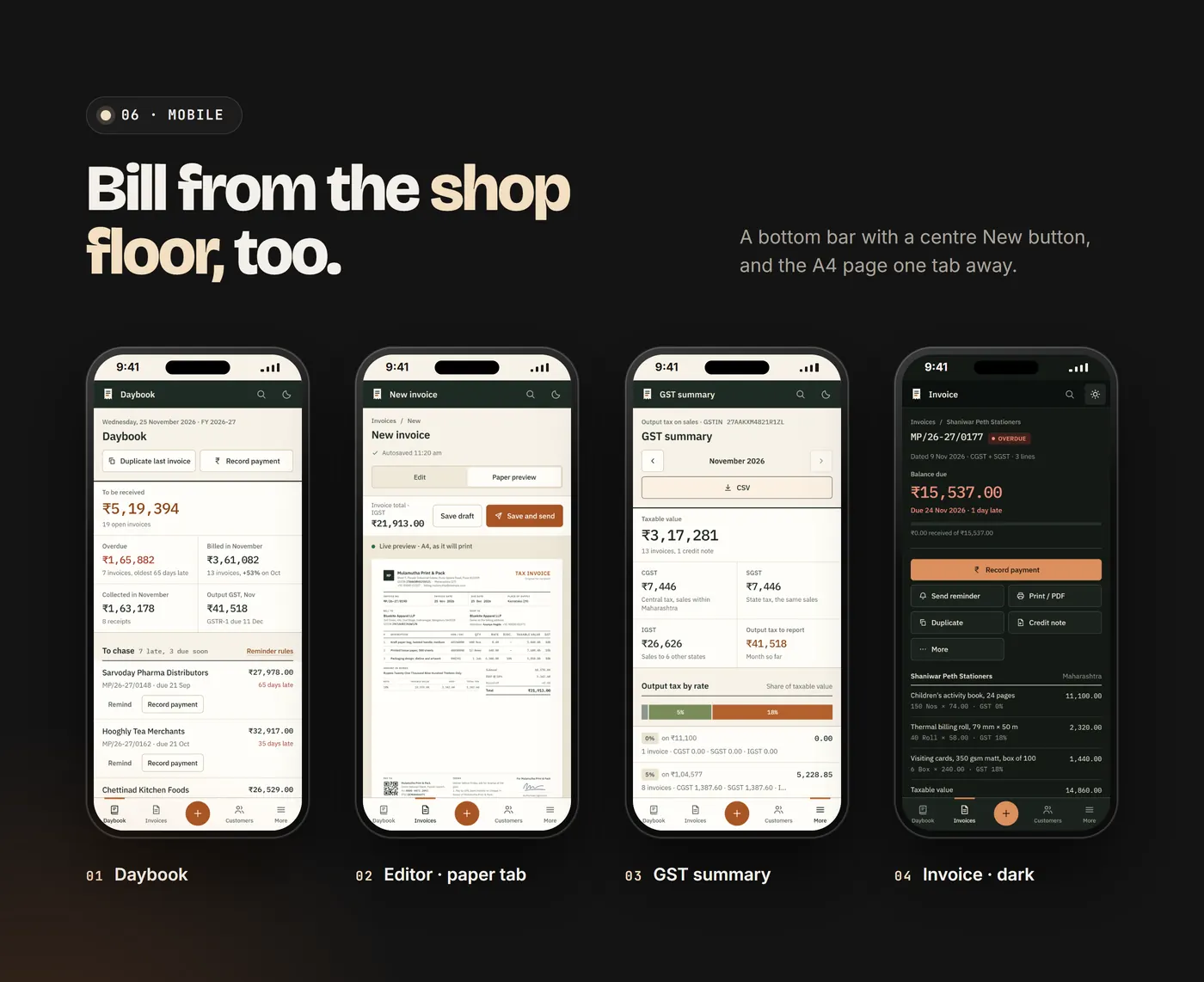
Type on the left. The page writes itself.
A true A4 invoice sits beside the form and changes with every keystroke.
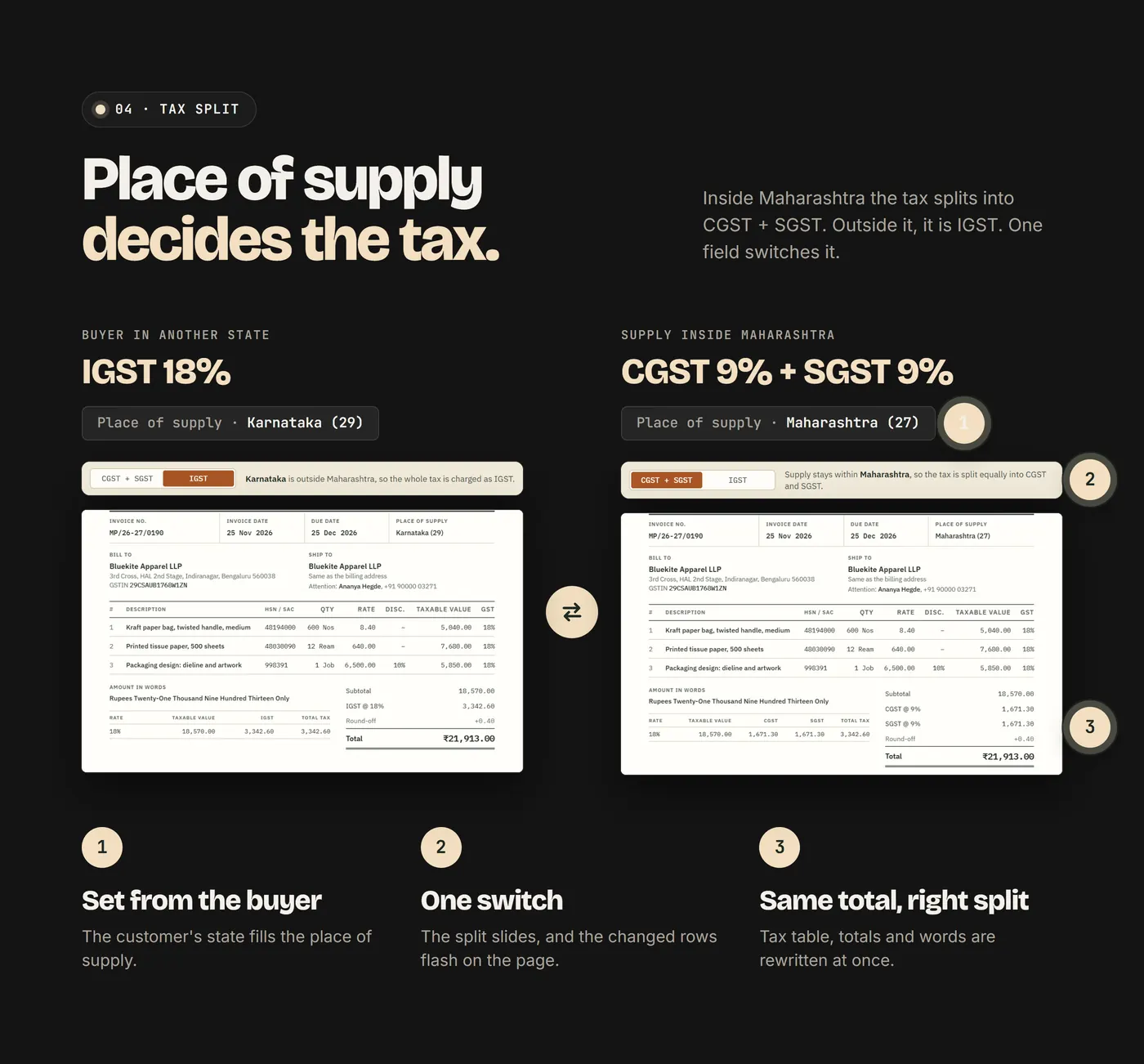
Place of supply decides the tax.
Inside Maharashtra the tax splits into CGST + SGST. Outside it, it is IGST. One field switches it.
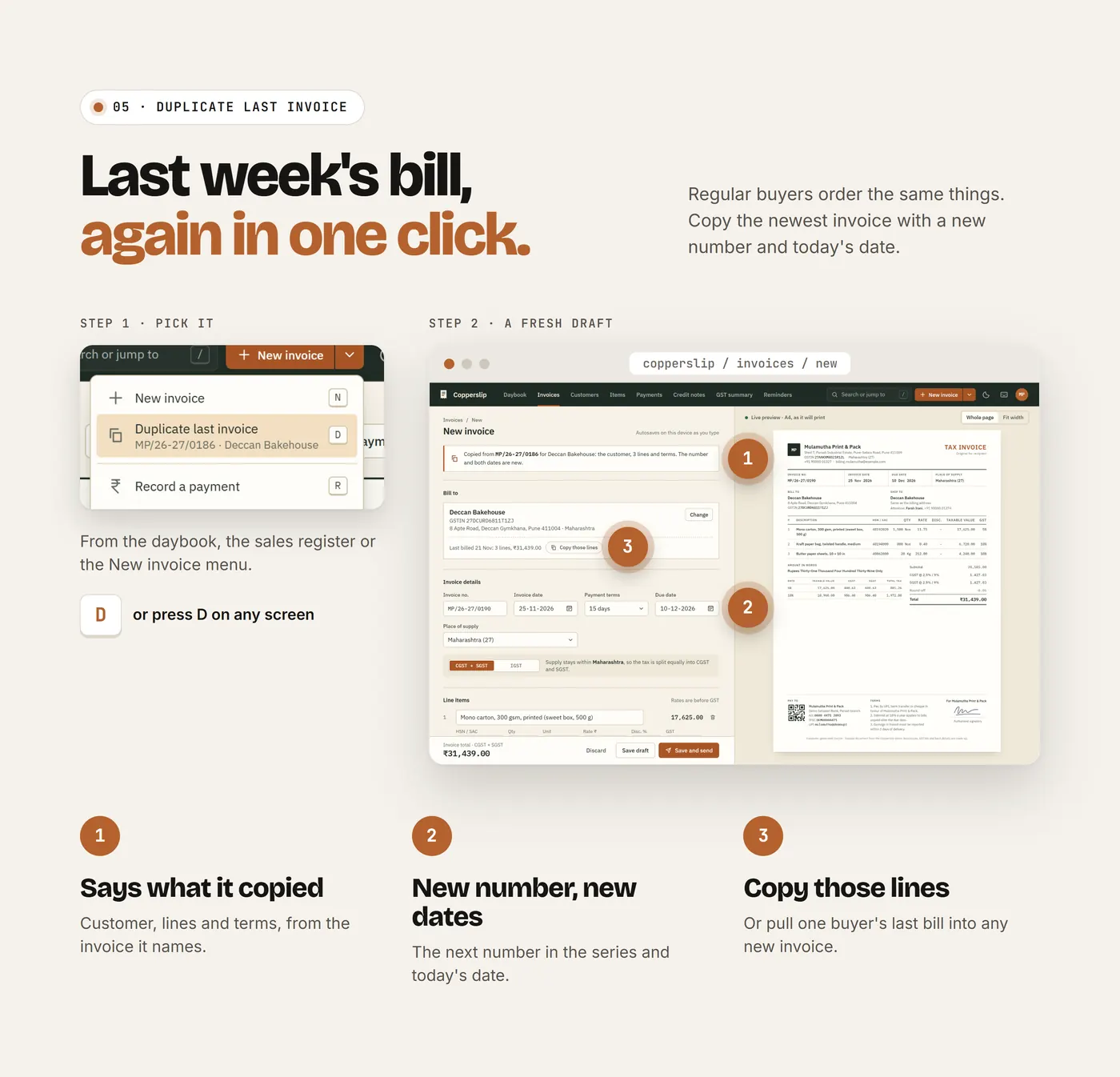
Last week's bill, again in one click.
Regular buyers order the same things. Copy the newest invoice with a new number and today's date.
On a phone
Bill from the shop floor, too. A bottom bar with a centre New button, and the A4 page one tab away.
Design system
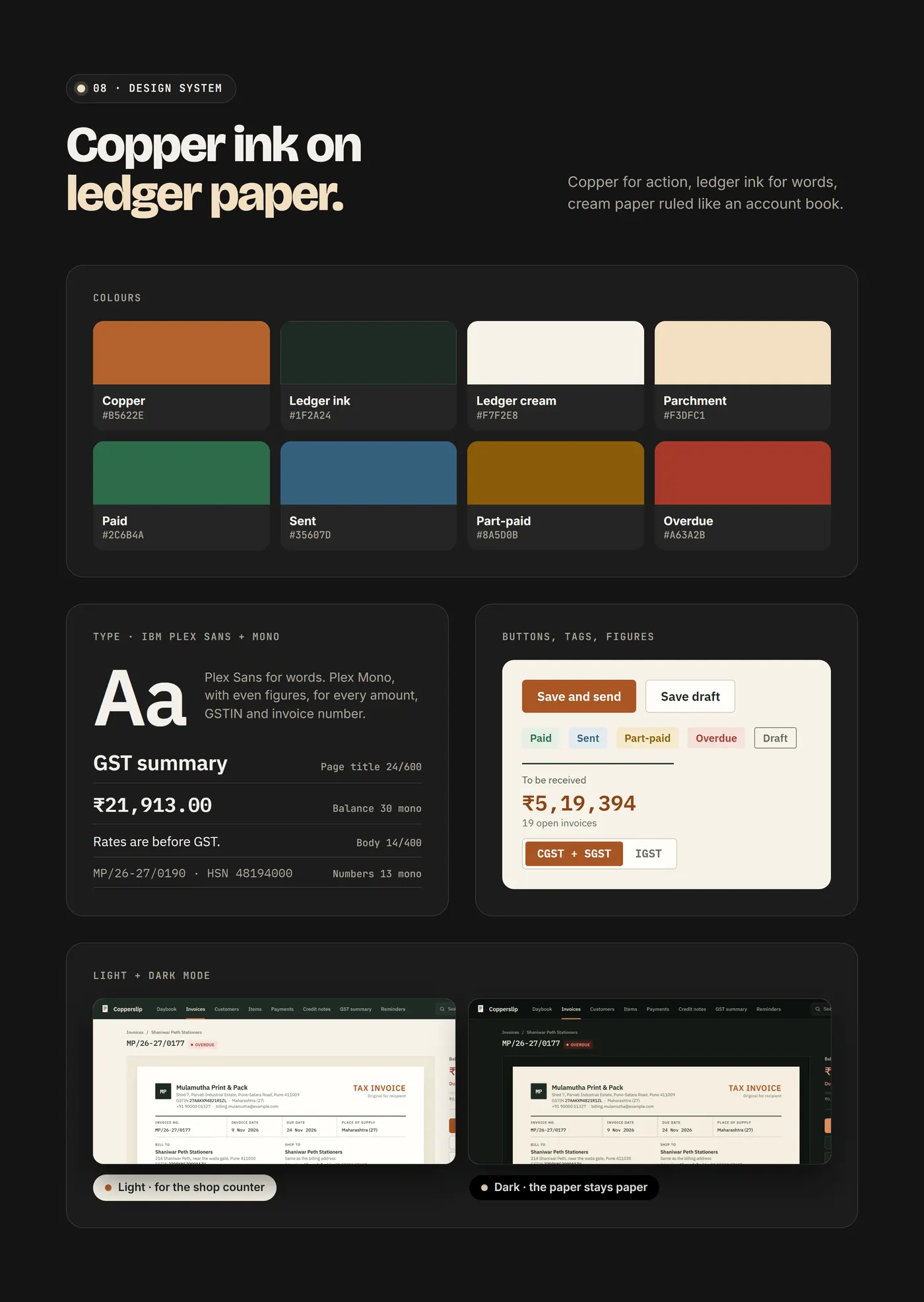
Copper ink on ledger paper. Copper for action, ledger ink for words, cream paper ruled like an account book.
#B5622E#1F2A24#F7F2E8#F3DFC1#2C6B4A#35607D#8A5D0B#A63A2BType: IBM Plex Sans + Mono
How it was built
- Plain HTML, CSS and JavaScript: no framework, fast on a phone.
- Built with AI-assisted development: I set the brief, flows and design rules, then directed and reviewed the code.
- Light and dark mode, and layouts for desktop, tablet and phone.
- Sample data that moves with today's date and is saved in the visitor's browser.
- An automated end-to-end test (Playwright) clicks every button, and runs again on fixed dates such as 31 December and 1 April.
- Concept project: the brand, people and data are fictional.
Keep lookingMore case studies
Thriftlark
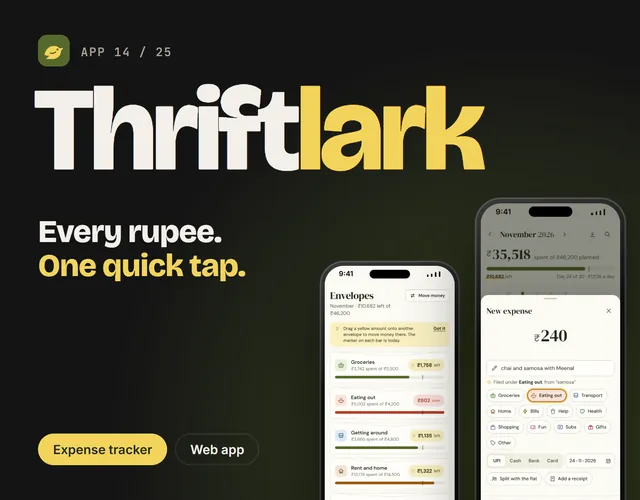
A phone-first expense tracker for a shared flat: quick add, envelopes, bills and splits.
Feedtrellis
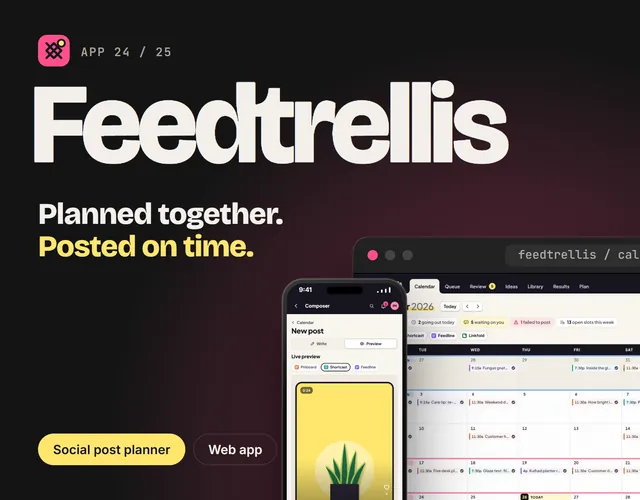
A social media post planner for a small brand team: calendar, composer, approvals and a posting queue.
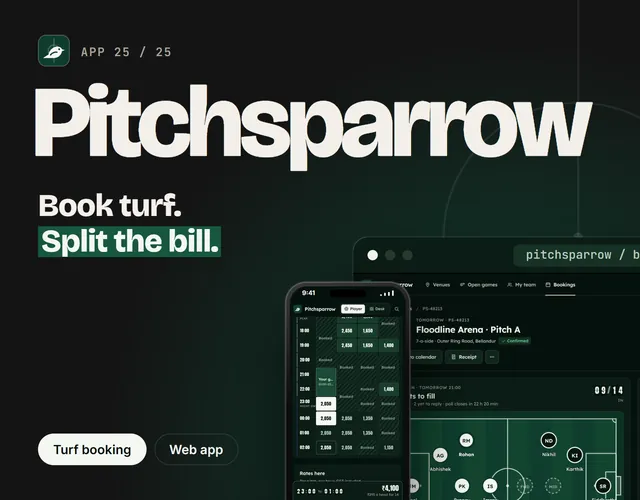
Pitchsparrow
A turf booking web app for football and box cricket: a player site and a venue desk.